









Architecture Excel Financial Model

Original price was: $125.$95Current price is: $95.
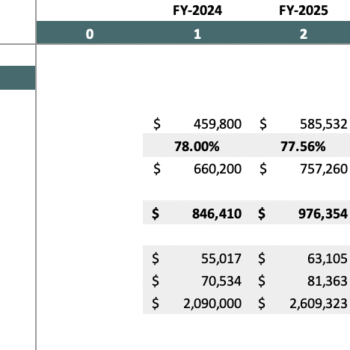
This Architecture Excel Financial Model helps architects streamline budgeting, project analysis, and financial planning with ease. It simplifies revenue tracking, cost management, and cash flow forecasting while generating dynamic financial statements. Designed for precision, it empowers firms to make smarter decisions, boost efficiency, and achieve sustainable growth with confidence.
Frequently Bought Together
- Description
- Reviews (0)
Description
Architecture Excel Financial Model: Overview
The architectural realm has long depended on precision and meticulous planning. Thanks to the advancements in financial technology, the Architecture Excel Financial Model has become a cornerstone tool for architects and architectural firms. As a bridge between creative designs and the rigorous world of financial analysis, this model enables professionals to maintain a firm grasp on the business side of their operations. For architects, it’s no longer just about creating breathtaking structures, but also about ensuring their ventures remain financially viable and sustainable.
Key Features of the Model
Revenue Projections
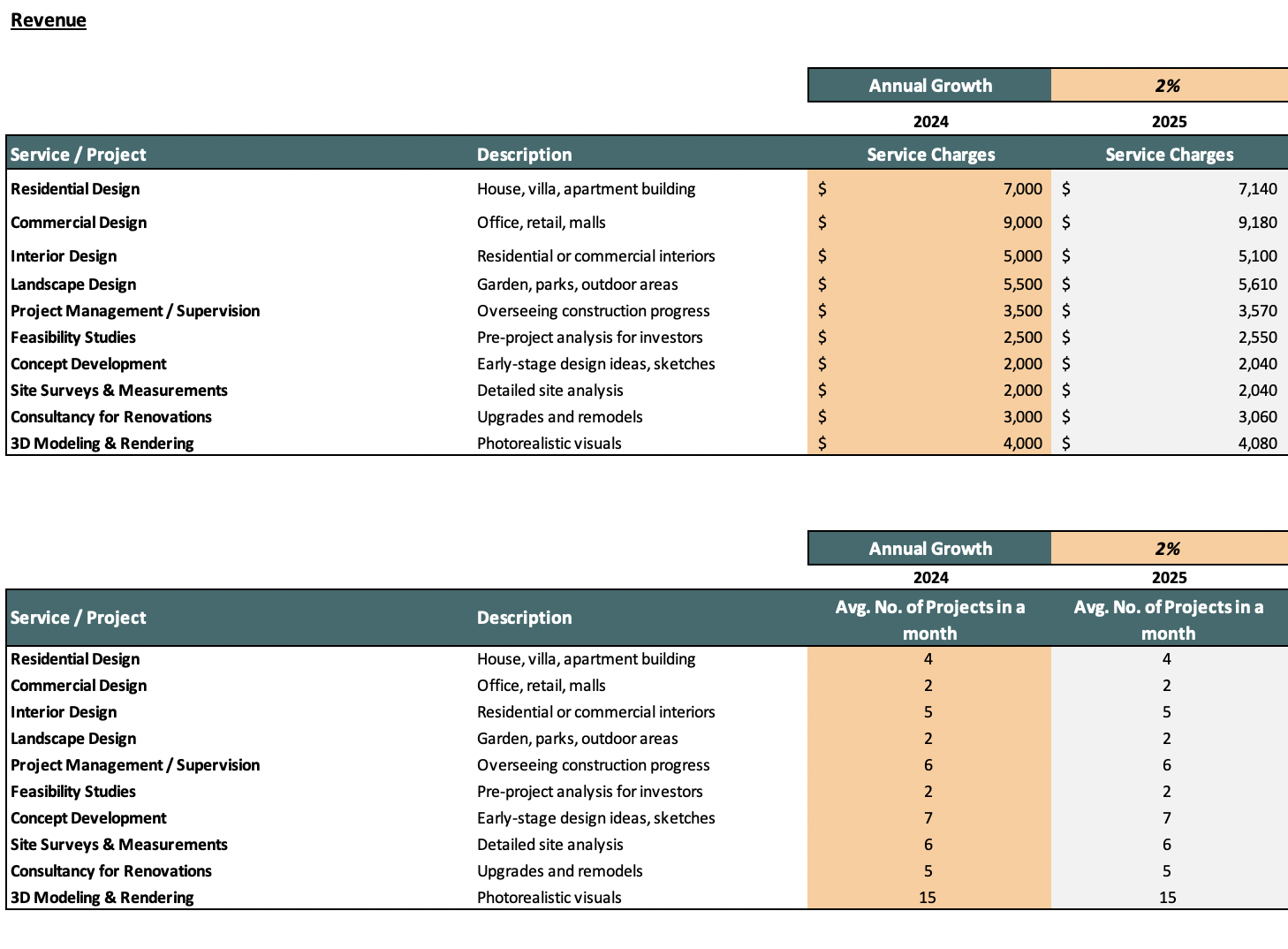
- Sales Forecasting: Estimate revenue based on number of projects, average project size, design complexity, consultancy fees, and recurring clients.
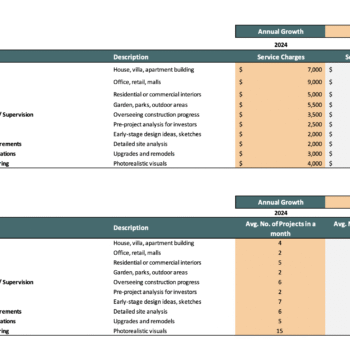
- Revenue by Service Category: Break down income into architectural design, interior design, urban planning, landscape design, feasibility studies, and project supervision.
- Competitive Advantages: Highlight strengths such as innovative design expertise, strong client network, sustainable/green building certifications, cutting-edge software (BIM, 3D rendering), and partnerships with contractors or real estate developers.
Cost Structure
- Direct Costs: Track project related expenses such as design software licenses, drafting and modeling tools, project-specific consultants, travel/site visits, raw design materials, and outsourcing of specialists.
- Administrative Expenses: Include fixed costs like staff salaries, office rent, utilities, communication, marketing/branding, and accounting/legal services.
- Business Expenses: Capture overheads such as depreciation of office equipment, professional liability insurance, staff training, memberships in architectural associations, and loan repayments for office expansion or equipment.
Profitability Analysis
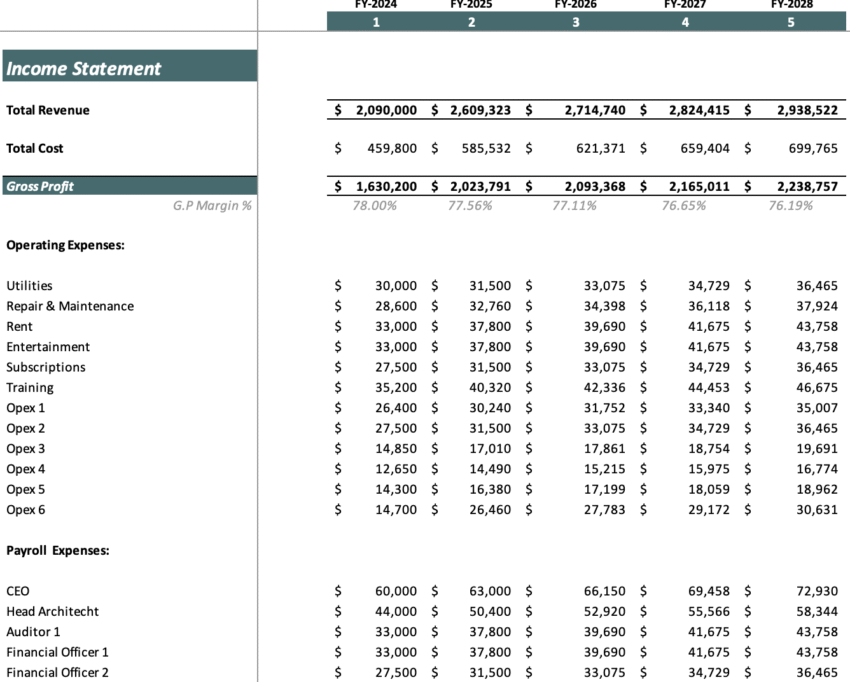
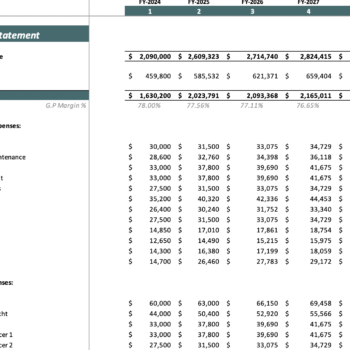
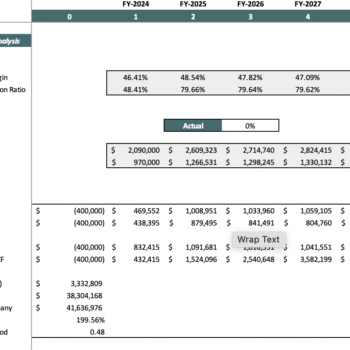
- Profit and Loss Statement: Track income, expenses, and profit over 5 years.
- Gross Margin & Net Profit: Get to know what is the performance of the Industrial based on gross and net profit.
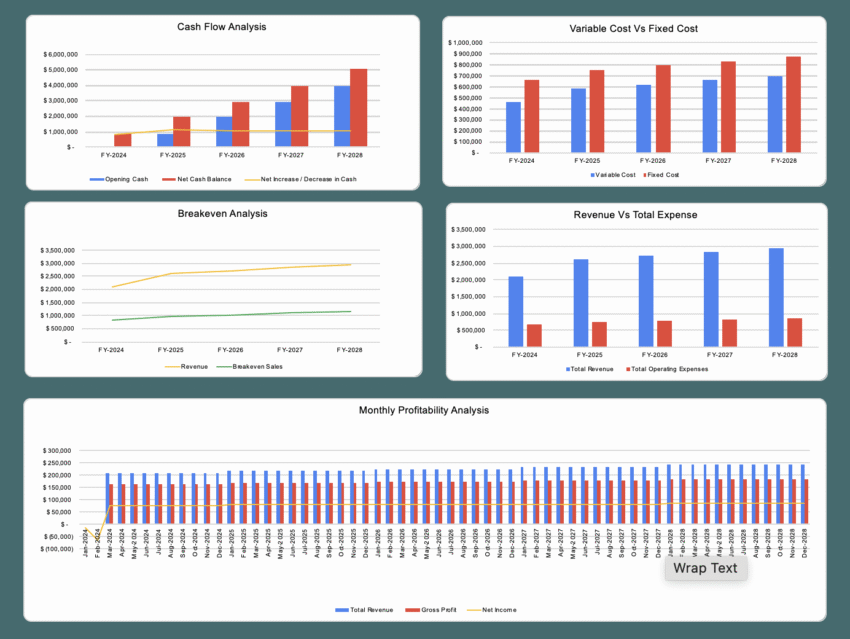
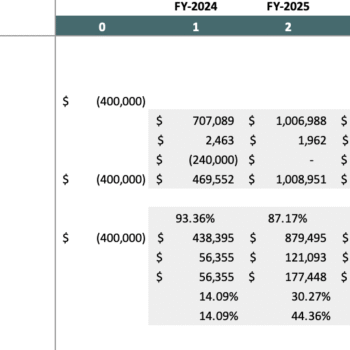
- Break-Even Analysis: Determine the number of Customers needed to cover costs and achieve profitability.
Cash Flow Management
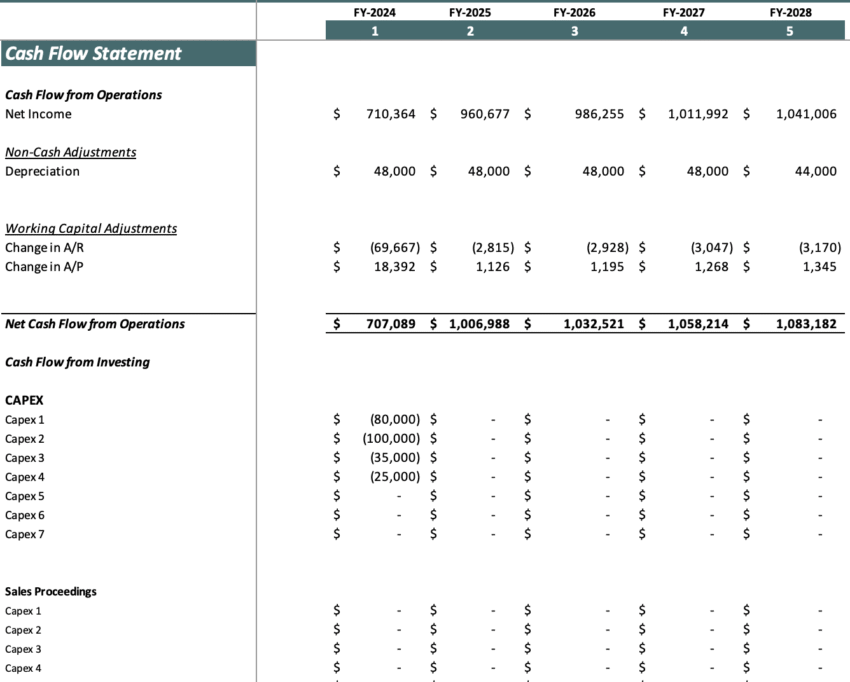
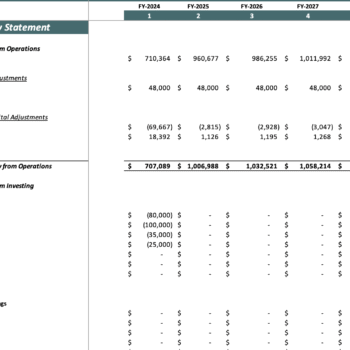
- Cash Flow Statement: Track money flowing in and out of your business.
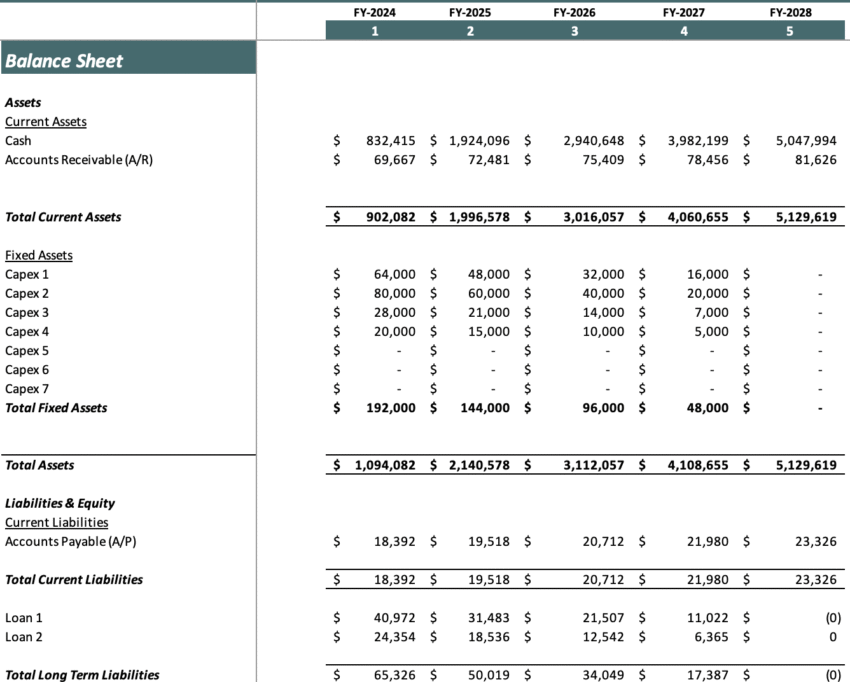
- Financial Position: Ensure adequate working capital for seamless operations.
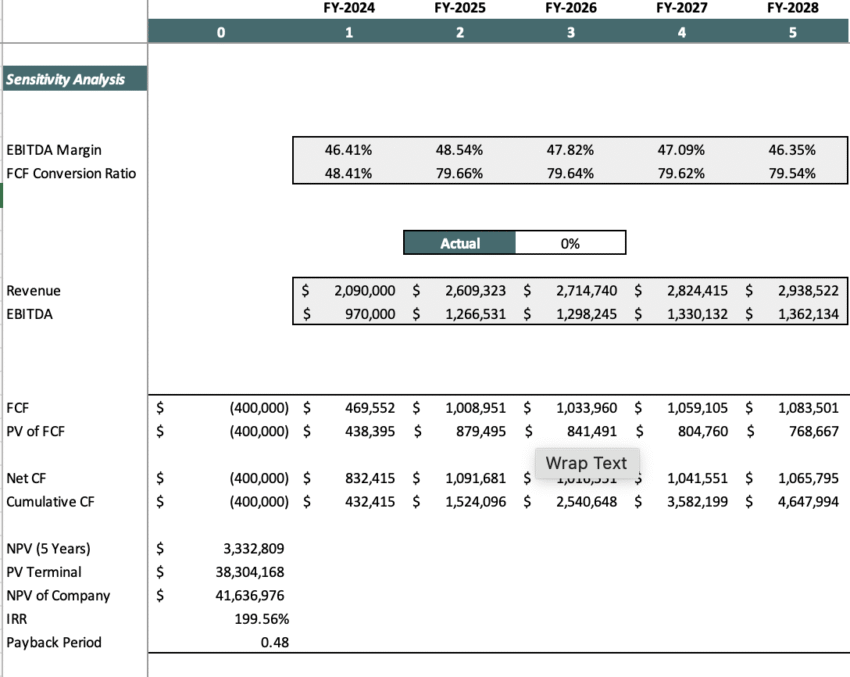
- Investment Scheduling: Plan accordingly the cashflow to make your investment decisions for a smoother flow of operations.
Financial Forecasting & Scenario Analysis
- 5-Year Financial Plan: Develop long term projections for revenue, expenses, and profitability.
- Market Conditions & Trends: Adjust financial forecasts based on industry changes and customer behavior.
- Best-Case, Base-Case, and Worst-Case Scenarios: Evaluate different financial outcomes and prepare accordingly.
Key Performance Indicators (KPIs)
- Project Segments & Revenue Mix: Track revenue across different project types such as residential, commercial, industrial, interior design, and urban planning to analyze business focus and income diversification.
- Client Conversion & Growth Potential: Monitor proposal-to-project conversion rates and identify growth opportunities through recurring clients, partnerships with developers, or expansion into new design services.
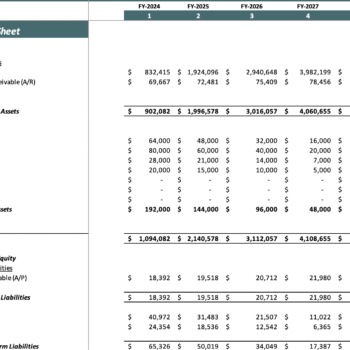
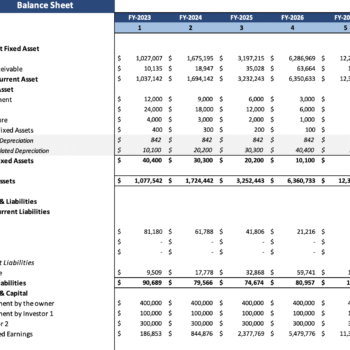
- Financial Statements: Access dynamic income statement, cash flow, and balance sheet to measure profitability, manage operating expenses, and plan for sustainable business growth.
Investor Readiness & Business Strategy
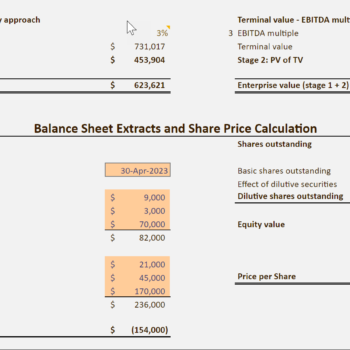
- Attract Potential Investors: Present a professional financial plan to secure funding.
- Strategic Planning: Align business objectives with financial projections for long term success.
- Cost Analysis & Optimization: Better understand which costs can be minimized and which one have to most impact on profitability.
Key Benefits of Using This Model
- Better Financial Planning: Gain a clear understanding of your business’s financial feasibility.
- Optimized Operations: Enhance cost analysis and resource allocation.
- Risk Mitigation: Plan ahead for financial uncertainties and avoid cash shortages.
- Customizable Tool: Adapt the model to fit different business needs.
- Scalability: Suitable for both small startups and established agencies.
FAQ’s
1. Can this model handle multiple types of architectural projects (residential, commercial, interior, etc.)?
Yes, the model is designed to capture and analyze revenue and costs across various project types.
2. Does the model include both revenue forecasting and expense tracking?
Absolutely, it forecasts revenue streams from projects while also tracking direct costs, operating expenses, and overheads.
3. Can I customize the input sheets based on my firm’s unique services?
Yes, the input sheets are fully flexible, allowing you to adjust services, pricing, project sizes, and timelines.
4. Does the model generate professional financial statements automatically?
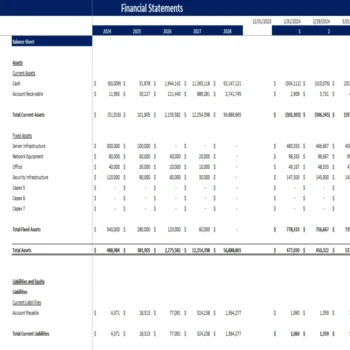
Yes, the model creates dynamic income statements, balance sheets, and cash flow statements based on your inputs.
5. Is this model suitable for both small firms and large architectural companies?
Yes, it scales for solo practitioners, mid-sized firms, and larger companies managing multiple projects simultaneously.
Terms of Use:
Oak Business Consultant and our range of products, including this financial model template, are not endorsed by or officially connected to any specific software or platform unless explicitly stated. Your purchase allows you a single license for personal or business use, exclusive to your individual or company needs. Redistribution, resale, or sharing of the files and templates is strictly prohibited. Please direct others to our shop if you find our financial model valuable and wish to recommend it.
Note:
Our product is a digital Excel file. Due to the nature of digital products, we cannot offer returns or exchanges. We encourage you to address any queries or seek clarification before finalizing your purchase.
Need More Help?
Email us at info@staging.oakbusinessconsultant.com to get a customized Architecture Excel Financial Model Projection Template.
Walk-through video of the Architecture Excel Financial Mode
The following video will give you an overview of the different components of the financial model and will help you understand how it works.
Be the first to review “Architecture Excel Financial Model”
You must be logged in to post a review.














Reviews
There are no reviews yet.